Banks
Administrator access
This page is only visible to administrator users, from the Settings menu.
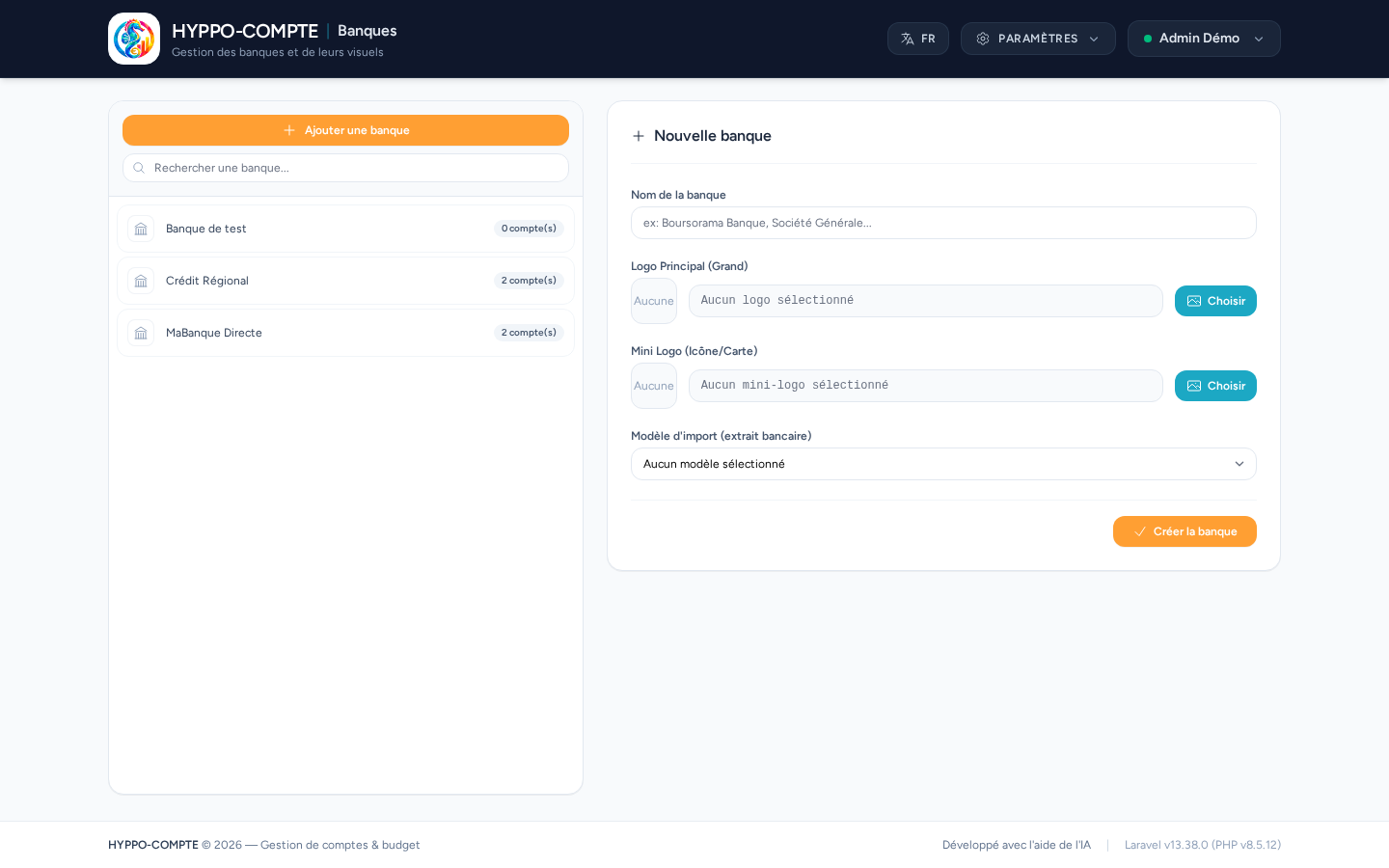
The Banks page lets you create the banking institutions used by your accounts: name, main logo, mini logo (used in compact lists), and the import template to use by default for this bank's statements.
Prerequisite
At least one bank must be configured before you can create an account.
Logos
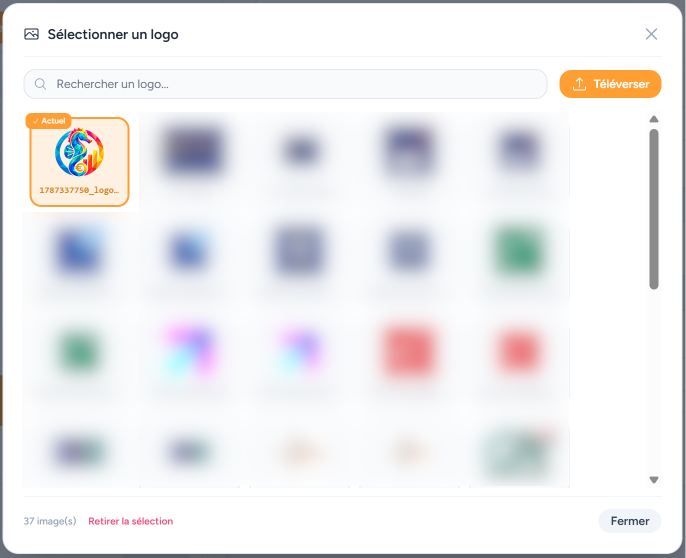
The main logo and the mini logo are uploaded independently from a bank's form and are stored on the application's public disk. A logo still used by at least one bank cannot be deleted — remove it from the relevant bank(s) first.
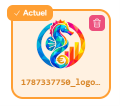
The delete icon appears when hovering over the image.
Logo size
The recommended size for logos is 225 px × 225 px.
The recommended size for mini logos is 40 px × 40 px.
Deletion
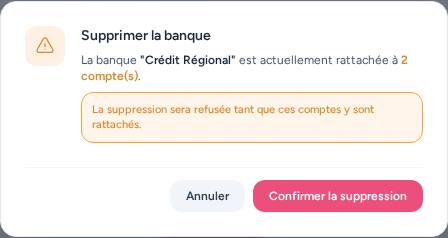
Deleting a bank is straightforward if it has no account attached to it.
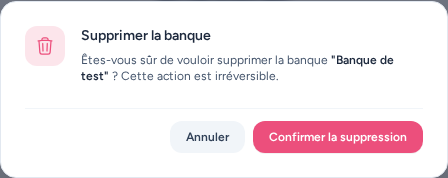
However, a bank cannot be deleted while at least one account is attached to it: reassign or delete those accounts first.