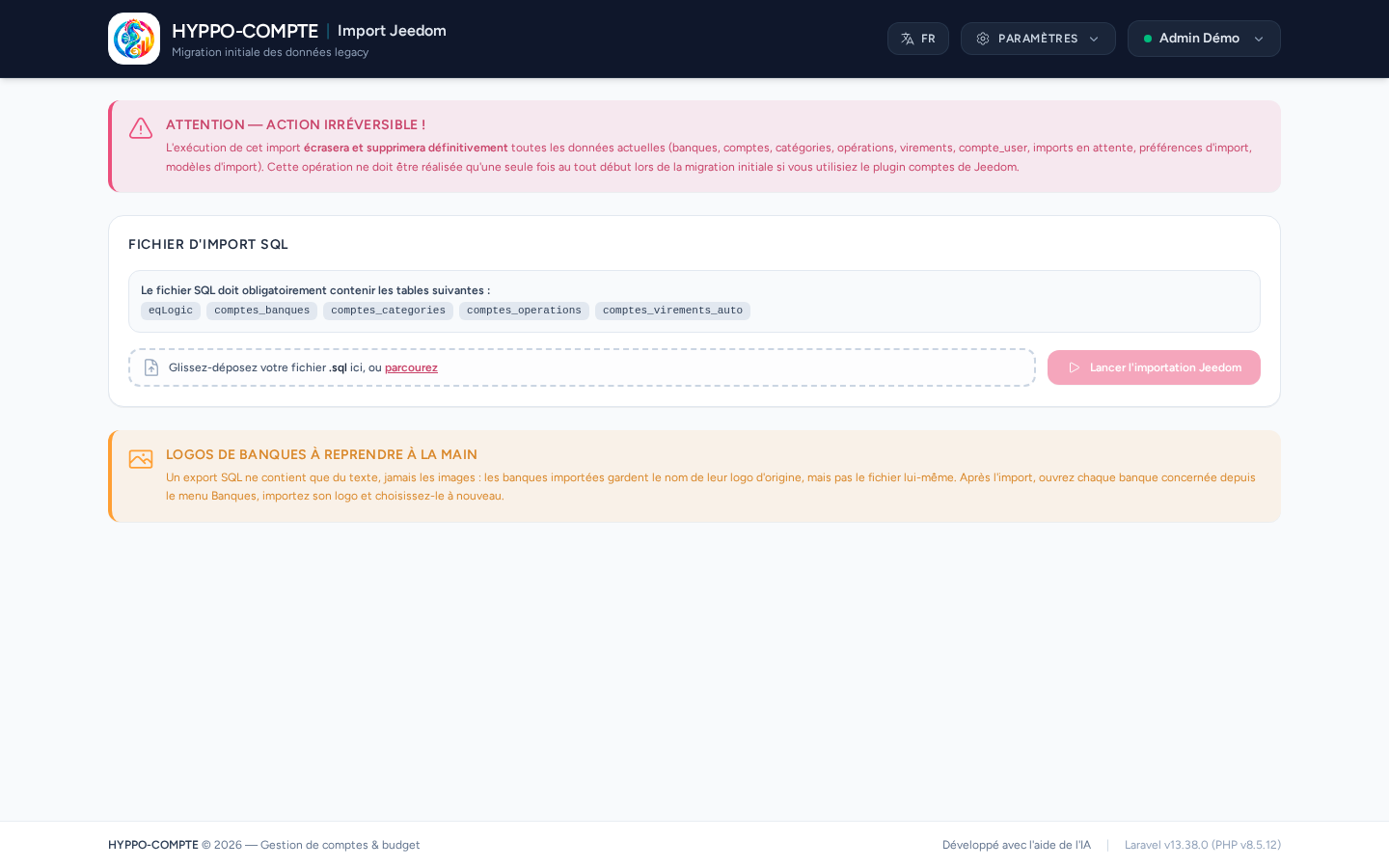
Jeedom import
Administrator access
This page is only visible to administrator users, from the Settings menu.
This page is dedicated to the initial migration of data from an installation using Jeedom's accounts plugin. It imports a SQL file containing the eqLogic, comptes_banques, comptes_categories, comptes_operations and comptes_virements_auto tables.
Irreversible action
Running this import permanently erases and overwrites all current data (banks, accounts, categories, operations, transfers, shares, pending imports, preferences and import templates). This operation should only be performed once, during the initial migration.
Invalid file, no risk
If the provided SQL file doesn't contain the expected tables, the import is rejected and no existing data is erased.
Bank logos need to be re-added manually
A SQL export only contains text, never the images themselves: imported banks keep the name of their original logo, but the image file isn't transferred. After the import, open each affected bank from the Banks menu, upload its logo and select it again (built-in gallery or upload) — see Banks.