
Login & registration
Installing via the Home Assistant app?
This page only applies to Docker installations. On the Home Assistant app, login happens automatically based on your Home Assistant identity: no password, no registration, no invitation to manage. See the Home Assistant app section of the installation page.
Logging in
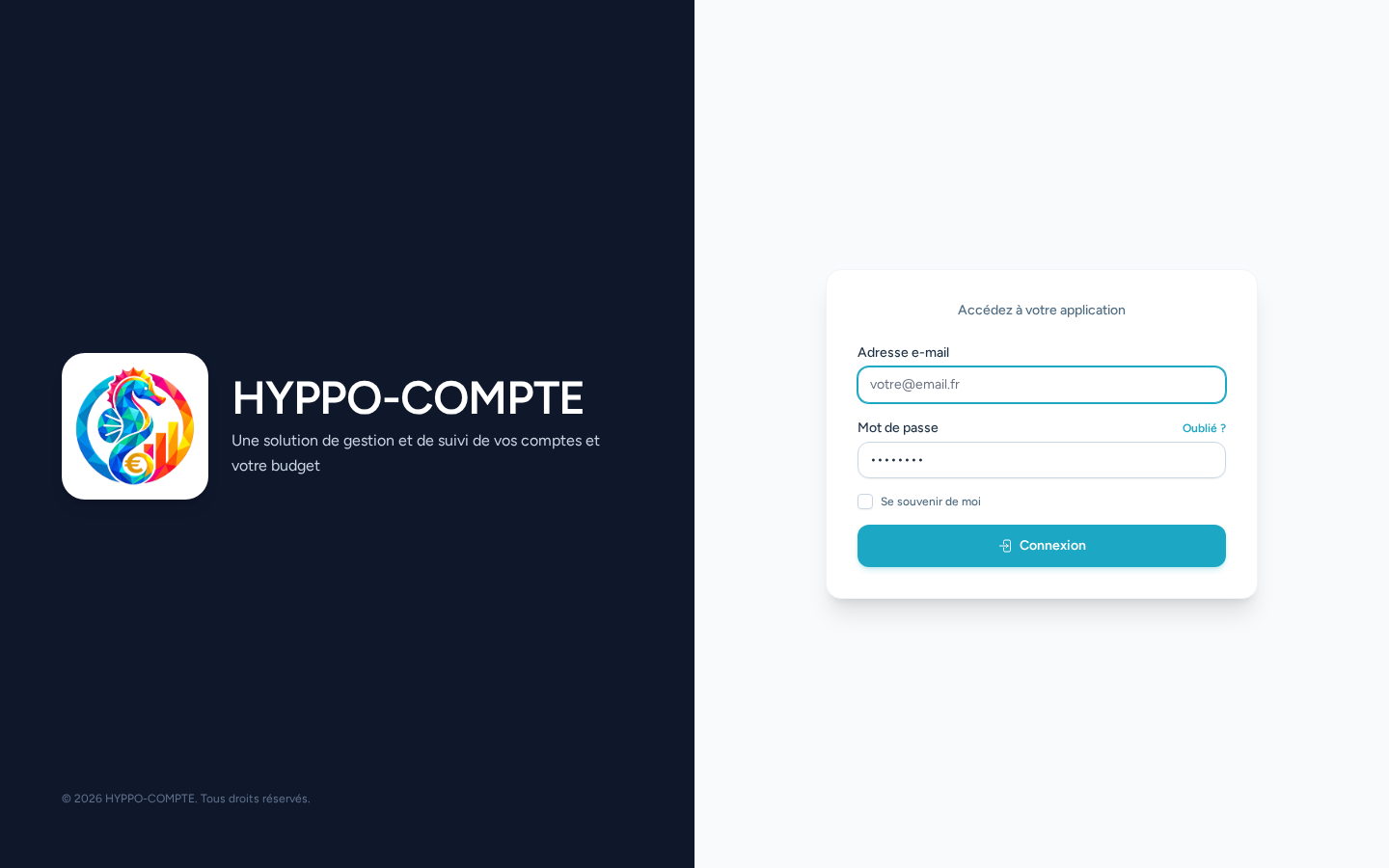
Hyppo-Compte's home page is the login form: enter your email address and password, then click Login. A Remember me checkbox lets you stay logged in between visits.
Creating an account
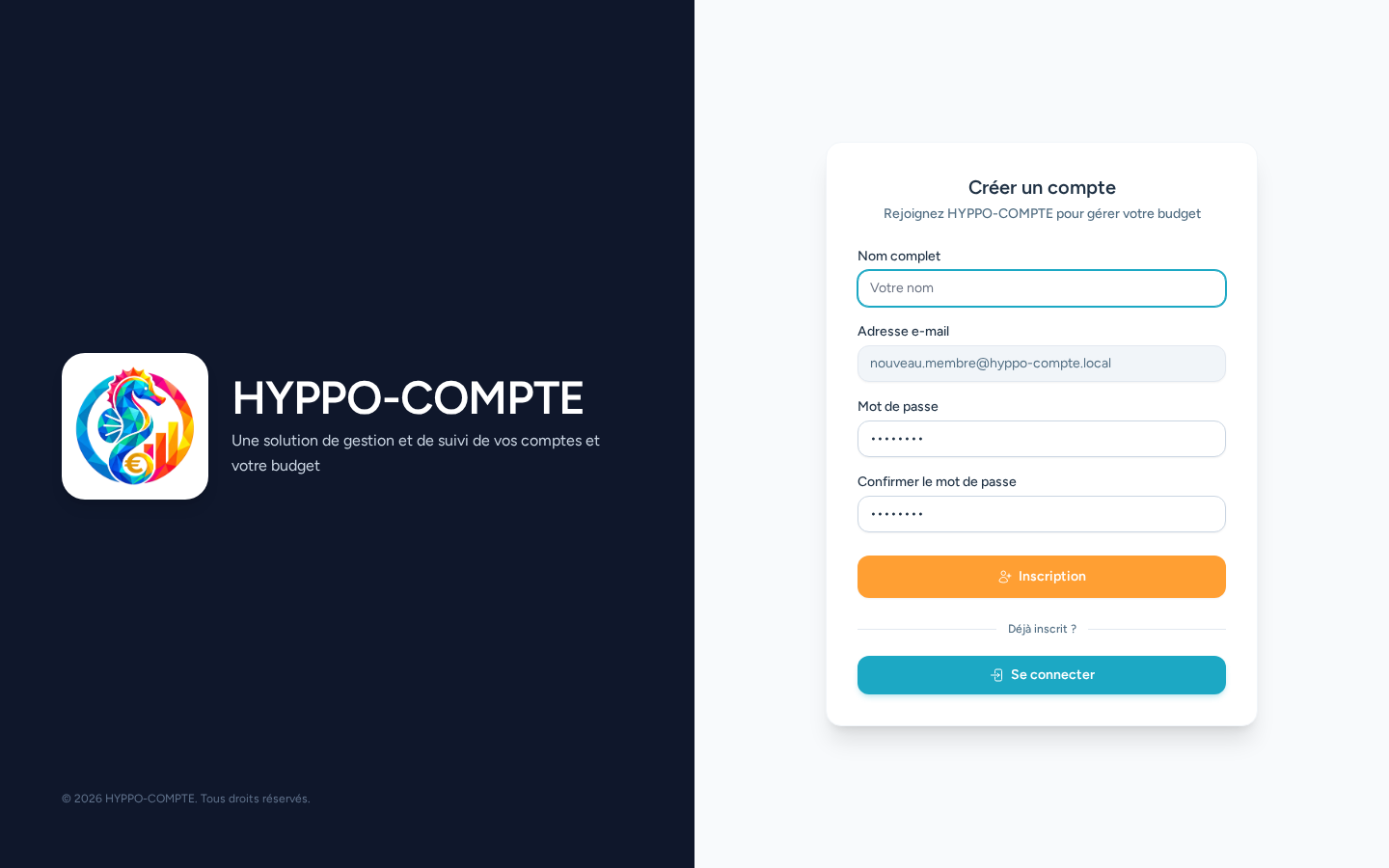
There is no publicly accessible registration form: since Hyppo-Compte is meant for a small circle of users, an account can only be created from an invitation link sent by an administrator (Invitations menu). Following this link, all that's left is to enter your name and password — the email address is already the one you were invited on, and cannot be changed.
Forgotten password
A Forgot your password? link on the login page lets you receive a password reset email. These screens use Laravel's standard account-recovery mechanism and need no further explanation.